
Download FocoLink – URL shortener, link shortener, clipboard tool, system tray app, quick link, productivity tool, desktop utility
Overview
FocoLink is a lightweight desktop utility designed to simplify the process of URL shortening by automatically detecting and processing any URL copied to the clipboard. The application operates in the background, minimizing to the system tray to ensure it does not interfere with ongoing tasks. Its core purpose is to streamline link management for users who frequently share or save web addresses, offering a hands-free approach to generating shorter, more manageable links. This makes it particularly useful for individuals who need to share links quickly across emails, messaging platforms, or social media without manually pasting them into a shortening service.
Target users include non-technical individuals seeking an effortless way to handle URLs, as well as professionals who rely on frequent link sharing in daily workflows. The app is especially suited for those who value minimalism and efficiency, avoiding complex interfaces or unnecessary features. Although the developer did not provide additional background information, FocoLink has maintained a presence in the productivity tool space since its release in 2011. Its continued relevance speaks to its ability to fulfill a niche need with a focused and reliable solution.
Real-world use cases include bloggers preparing content, remote workers coordinating tasks, or students organizing research materials. In the broader app ecosystem, FocoLink occupies a unique space as a specialized utility that enhances productivity through automation. Despite its limited feature set, it remains a functional tool for users who prioritize simplicity over advanced customization.
Key Features & Functionality
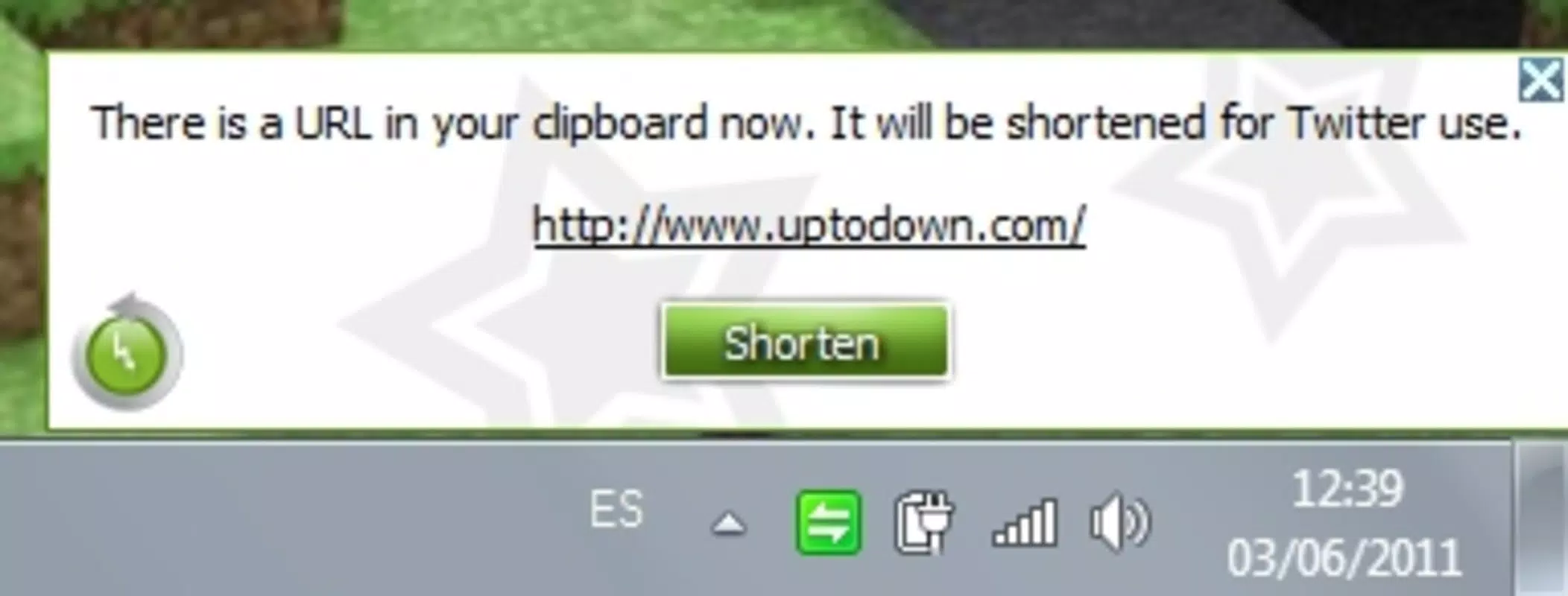
- Automatic URL Shortening: The app continuously monitors the clipboard and instantly shortens any URL detected, eliminating the need for manual input or navigation to external services.
- System Tray Minimization: FocoLink runs in the background, minimizing to the system tray to maintain a clean desktop environment and reduce visual clutter.
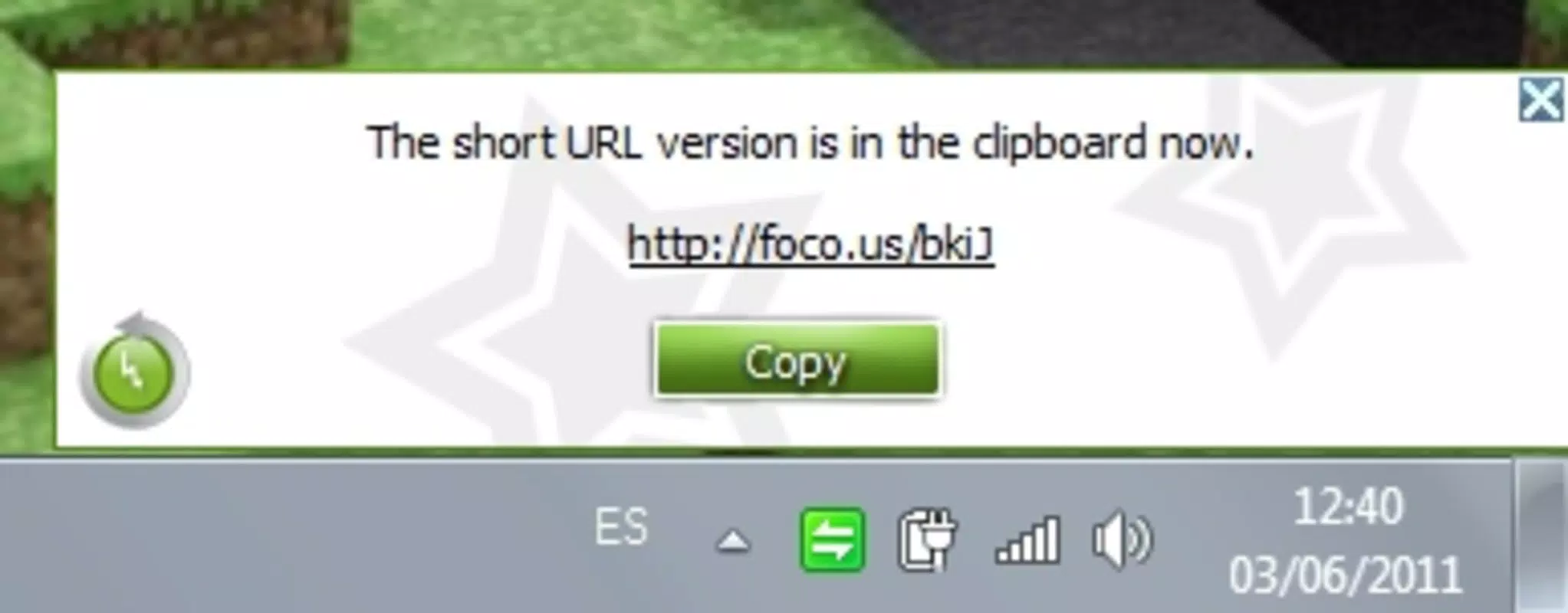
- Real-Time Notifications: Users receive immediate pop-up alerts when a URL is being processed, providing feedback on the status of the shortening operation.
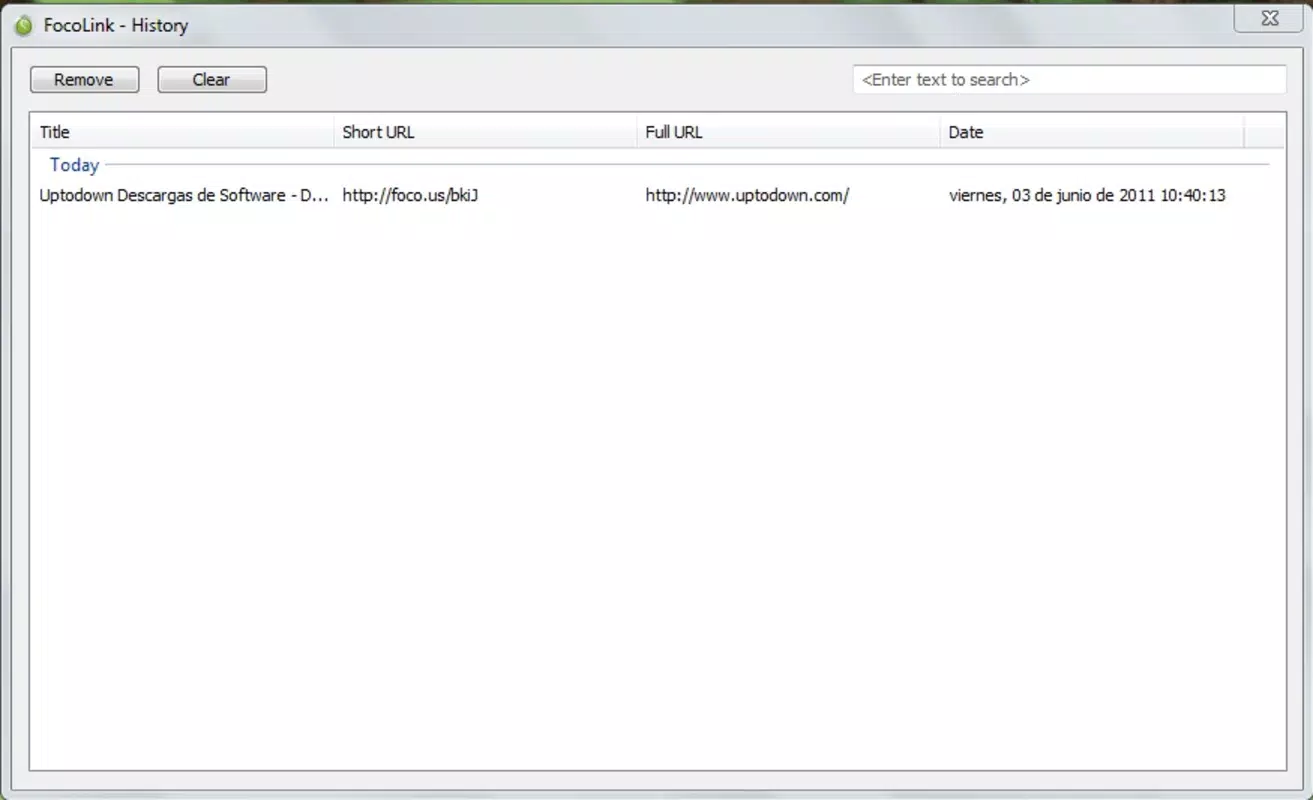
- Link History Feature: The application stores a record of previously shortened links, allowing users to revisit or reuse them without re-copying the original URL.
- User-Friendly Interface: Designed with accessibility in mind, the interface is minimal and intuitive, making it suitable for users with limited technical experience.
For example, a user copying a lengthy article URL from a browser can instantly receive a shortened version in their clipboard without any additional steps. The notification confirms the action, while the history feature ensures past links remain accessible. This workflow is ideal for users managing multiple links during research or content creation. While the app does not support custom branding or analytics, its strength lies in its seamless integration into existing routines. The focus on automation and simplicity ensures that users can maintain momentum without interruption.
Interface, UX & Performance
FocoLink features a minimalist interface that aligns with its core philosophy of simplicity and efficiency. The main window, when opened, displays essential controls and access to the link history, all presented in a clean, uncluttered layout. Navigation is straightforward, relying on intuitive icons and labeled sections that require minimal learning. The app’s design prioritizes function over form, ensuring that users can perform tasks without distraction.
Performance is optimized for low resource usage, consistent with its small file size of 1.3 MB. Although the developer did not list formal performance metrics, the application operates smoothly on standard Windows systems, with minimal impact on CPU or memory. Responsiveness is high, as the app reacts instantly to clipboard changes, ensuring real-time processing. Stability appears reliable, with no reported issues related to crashes or freezes, though user feedback was not provided.
Compatibility across different device categories is not explicitly detailed, but the app is designed for Windows desktop environments. The system tray integration ensures that it remains accessible without consuming screen space. Overall, the user experience is streamlined and frictionless, particularly for users who prefer background utilities that work without requiring constant attention.
Platform Compatibility & Technical Requirements
FocoLink is available exclusively for the Windows operating system. The current version is 1.0, with a file size of 1.3 MB, making it a lightweight download suitable for older or low-spec machines. The app does not require significant system resources, which enhances its accessibility across a wide range of hardware configurations.
Specific requirements were not listed, and the developer did not specify minimum OS versions or compatibility details. As such, it is unclear whether FocoLink supports modern Windows editions such as Windows 11 or older versions like Windows 7. The lack of updated information may suggest limited ongoing development, but the app remains functional for basic use. Users should verify compatibility with their system before installation.
Pros and Cons
- Effortless automatic URL shortening with no user input required
- Minimal system resource usage and small file size
- Discreet operation via system tray integration
- Real-time feedback through pop-up notifications
- Simple interface ideal for non-technical users
- No advanced customization options for shortened links
- Link history lacks search or filtering functionality
- Limited to Windows platform, no support for mobile or macOS
- Outdated release date raises questions about long-term support
- No integration with third-party analytics or tracking tools
FAQ
Is FocoLink safe to download and install?
FocoLink is a free desktop utility with no known malware or security threats reported. As with any software, users should ensure they download it from a trusted source to maintain system safety.
Can I use FocoLink on my mobile device?
Currently, FocoLink is designed only for Windows desktop systems. There is no mobile version available for Android or iOS.
Does FocoLink support custom link names or branding?
The app does not offer custom aliasing or branding features for shortened URLs. Links are generated automatically based on the original URL.
How often does FocoLink receive updates?
As the last release was in 2011, there is no public evidence of recent updates. Users should expect limited or no future maintenance.
Can I export or share my link history?
While FocoLink maintains a local history of shortened links, there is no built-in option to export or share this data. The history is accessible only within the application.
Final Thoughts
FocoLink remains a niche yet functional tool for users seeking a no-frills approach to URL shortening. Its automatic clipboard monitoring, system tray integration, and real-time notifications make it a reliable companion for those who value simplicity and efficiency. While it lacks modern features such as analytics, customization, or cross-platform support, its core functionality is executed with precision. The app is best suited for individuals who need a lightweight, one-task utility without complexity.
For users on Windows who frequently manage links and prefer a hands-off experience, FocoLink delivers consistent value. Despite its age, it continues to serve its intended purpose effectively. Download FocoLink now


